
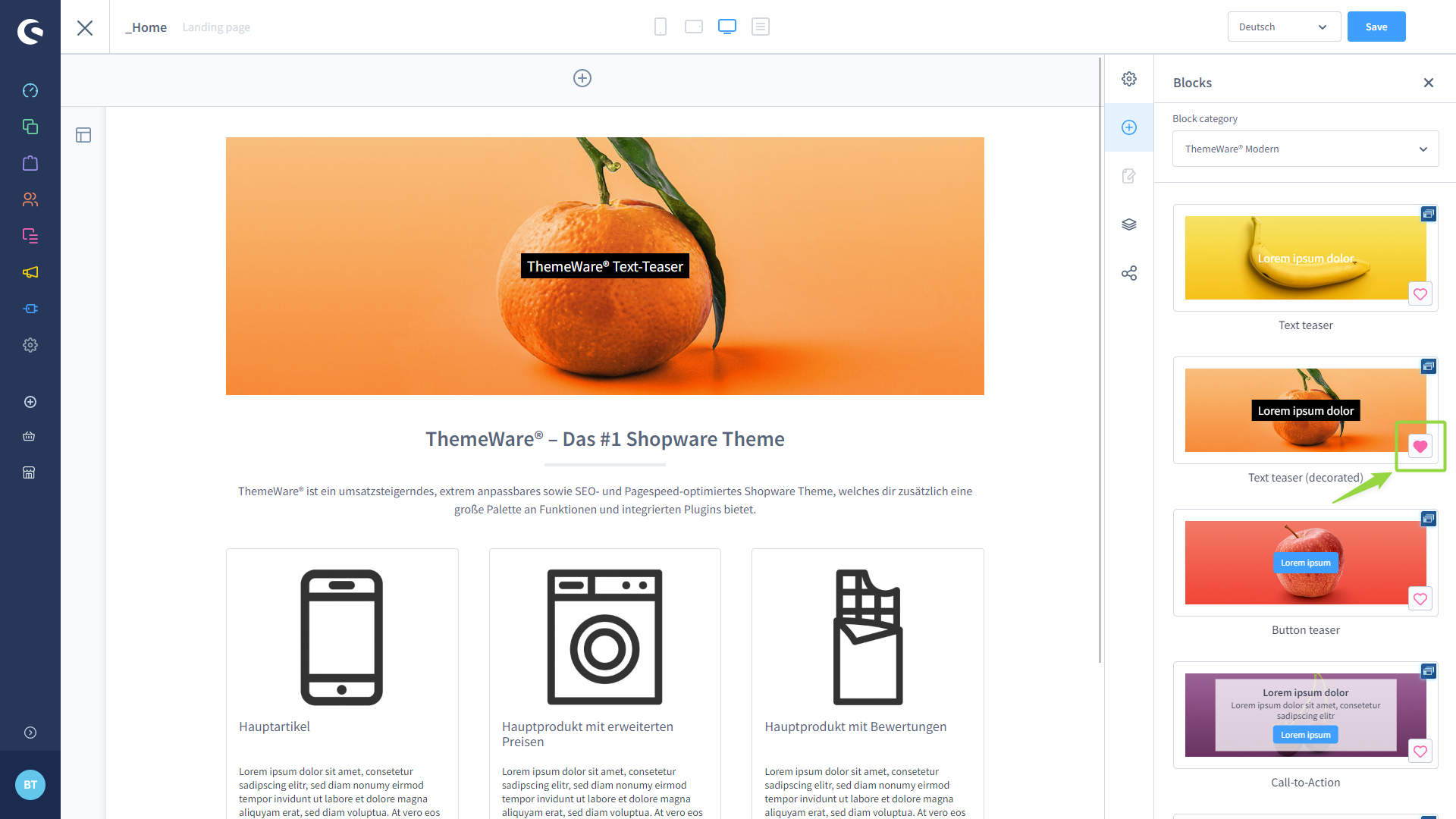
Ab Shopware 6.4.19.0 kannst du CMS-Blöcke als Favoriten markieren.
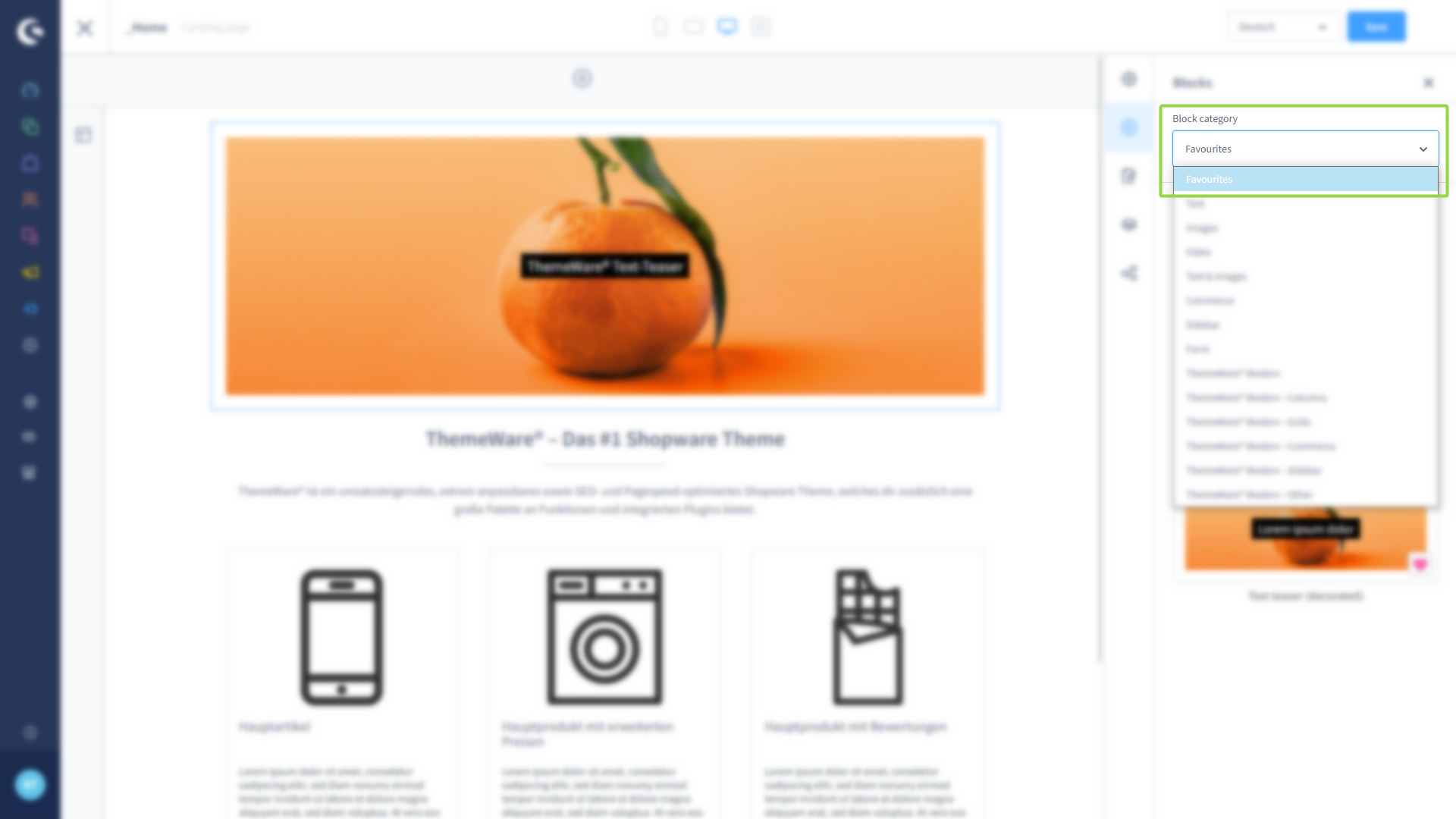
Klicke dazu einfach auf das Herzsymbol  . Filtere im Dropdown-Menü nach Favoriten, um direkt die Blöcke zu finden, die du oft benutzt.
ThemeWare® Wissensdatenbank
Ab Shopware 6.4.19.0 kannst du CMS-Blöcke als Favoriten markieren.
Klicke dazu einfach auf das Herzsymbol . Filtere im Dropdown-Menü nach Favoriten, um direkt die Blöcke zu finden, die du oft benutzt.
Zuletzt aktualisiert am
Diese Seite im Netz: https://wiki.themeware.design/wissensdatenbank/anleitungen/erlebniswelten/markiere-cms-bloecke-als-favoriten-um-sie-schneller-zu-finden · ThemeWare® Service Portal, service.themeware.design